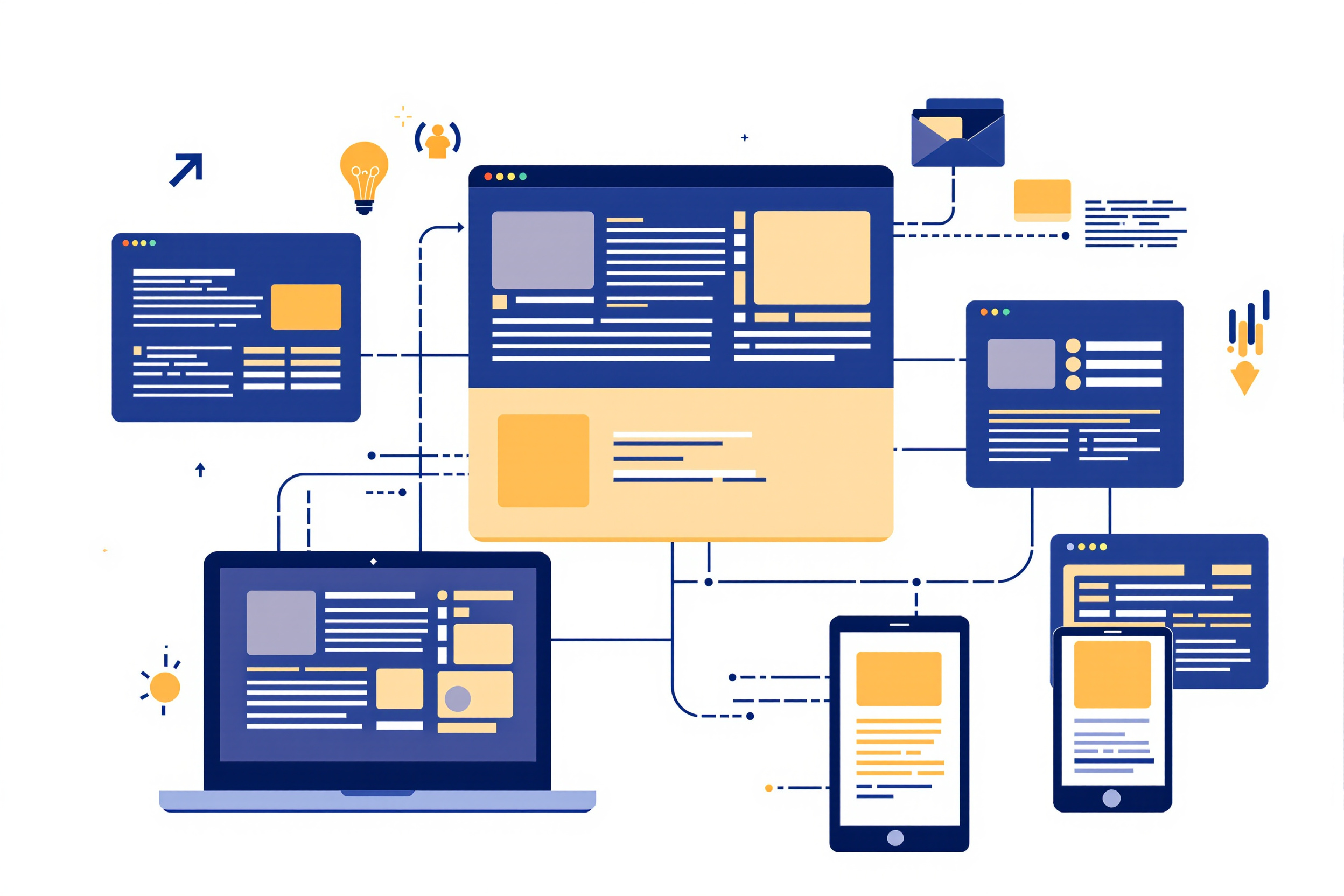
A content management system, or CMS, is the software that lets people who do not write code create, edit, and publish a website. Choosing one is among the most consequential decisions in a web project: it shapes who can update the site, how it performs, and how painful it will be to change course later. This guide maps the landscape.
What a CMS actually does
At its core a CMS separates content from presentation. Editors work in a friendly interface; the system stores their words and images and renders them into pages using templates a developer controls. That separation is powerful — a marketing team can publish daily without touching code, while designers evolve the look without re-entering content. The trade-off is a layer of software that must be maintained, secured, and updated.
The main families
- Traditional (coupled) systems manage content and render the site together. They are approachable, richly extensible through plugins and themes, and power a large share of the web. Their flexibility is also their risk: unmaintained plugins are a leading source of security problems.
- Headless systems manage content and expose it through an API, leaving presentation entirely to a separate front-end. This suits teams publishing to a website, an app, and other channels from one source, at the cost of more engineering.
- Static site generators build plain HTML files from content at publish time. The result is exceptionally fast and secure with almost nothing to attack, ideal for documentation and content sites, though editing is more technical.
- Hosted site builders bundle everything into a subscription. They are the fastest way to a simple site, with the least control and the most lock-in.
How to choose
Start from your team, not the technology. Who will edit the site, and how technical are they? How often does content change? Do you need to publish to more than a website? What is your tolerance for ongoing maintenance? A non-technical team updating a brochure site has very different needs from an engineering team feeding an app and a storefront from one repository.
Beware choosing by popularity alone. The best CMS is the one your actual editors will use comfortably and your developers can maintain safely — a mismatch on either side quietly sinks projects. It is also worth weighing the exit: content you can export cleanly protects you if you ever need to move.
The content model is the real decision
A CMS is, beneath the editing screen, an opinion about the shape of your content. A page-shaped system gives an editor a title, a body field, and a rich-text box, then treats the finished page as the unit. A structured system stores separate typed fields — a summary, author, image, location, or status — so the same material can be assembled for a page, a feed, or an app. The MDN CMS glossary gives the useful broad definition; the model inside it is the consequential choice.
Structure costs more at the start because somebody must decide what each field means, which entries repeat, and which relationships matter. It pays back when content must appear somewhere the original design never anticipated: the pieces can be rearranged without being extracted from presentation markup. "We will just paste it into the body field" feels efficient only while there is one output. Once that habit contains a backlog of mixed content, reversing it becomes the hardest migration in the project.
Security and maintenance are the hidden cost
Whatever you pick, a CMS is living software. Traditional systems especially demand a discipline of prompt updates, minimal trusted plugins, strong credentials, and tested backups. The vulnerabilities catalogued by the OWASP Top Ten show up disproportionately in neglected installations. Budget for maintenance from the start; a CMS is a commitment, not a one-time install.
Performance still depends on you
A CMS can produce a fast or a slow site depending on how it is configured. Caching, optimised images, and restraint with plugins matter more than the badge on the login screen. Whatever platform renders your pages, the quality guidance on Google's web.dev applies equally.
Next steps
Once content is manageable, the work turns to earning an audience and, for larger builds, to custom code. Continue with Web Promotion and SEO or Custom Software and Business Applications.
Migrations: plan the exit before the entrance
The moment you choose a CMS you should also understand how you would leave it. Content is the asset; the platform is just the current home for it. Systems that let you export your words, images, and structure in open formats protect you against the day your needs outgrow the tool, a vendor changes direction, or a platform simply falls out of maintenance. Ask the exit question early — "how does my content get out?" — because the answer is far easier to like before you have poured three years of publishing into a system that quietly locks the door behind you.